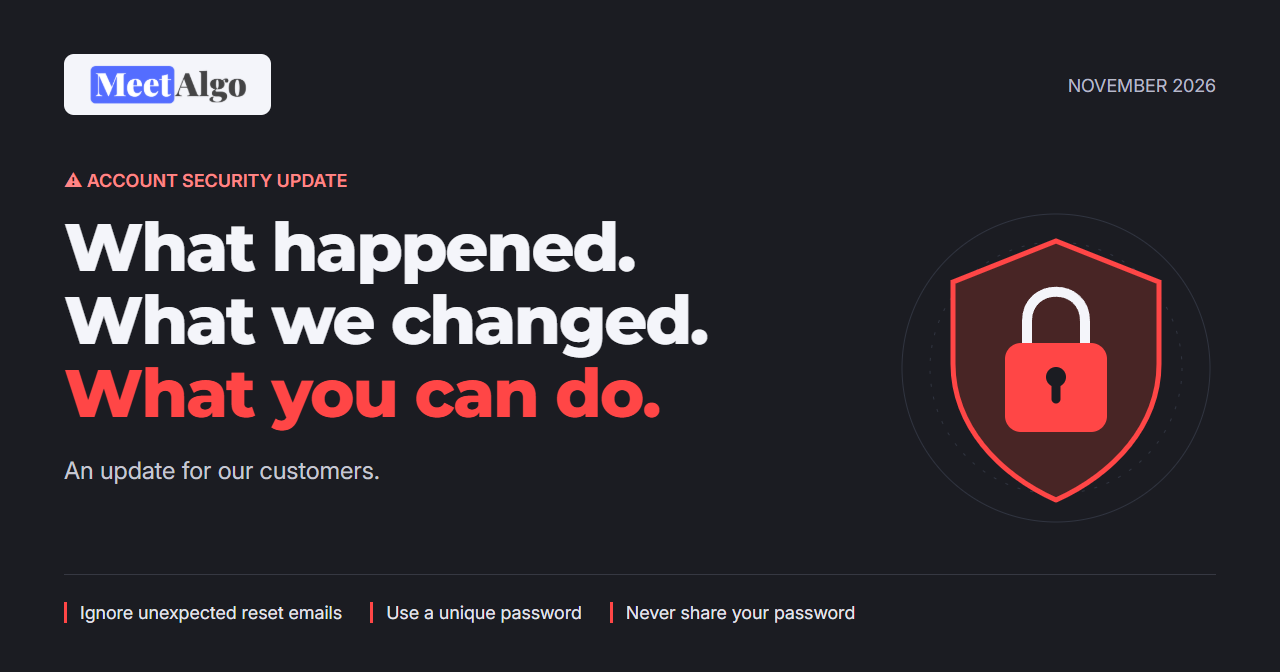
Over the past few days, meetalgo.com was targeted by an attacker. We want to explain plainly what happened, what we have done, and what you can do to protect your account.
What happened
- The attacker created fake accounts and triggered large numbers of “[MeetAlgo.com] Password Reset” emails to real customers.
- They also tried to place test orders and probe parts of the website.
- Some customer and affiliate export files were publicly accessible. These included names, usernames and email addresses. Some affiliate records also included payment email addresses and earnings information.
We removed the identified exposed files from our server and added access restrictions. Our review is continuing, and we will share any material updates. We are sorry this happened and understand the concern caused by the unexpected emails.
What we have done
- Blocked identified attack routes and removed identified fake accounts and test orders.
- Removed the identified exposed files from our server and restricted access to affected folders.
- Added “I’m not a robot” checks and request limits to password-reset and sign-up flows.
- Required new customers to create an account and confirm their email address with a code before ordering.
- Blocked identified throwaway email services from signing up or logging in.
- Restricted website interfaces that are not needed for normal customer use.
We are still reviewing and updating the website. These changes reduce the identified risks; they are not a guarantee that any account or website is completely safe.
What you should do
1. Ignore password-reset emails you did not request
If you receive a password-reset email you did not ask for, do not click its link or reply. Delete it. An unexpected reset email does not by itself mean your password has changed. Do not share or forward password-reset links.
2. Never share your password
MeetAlgo will never ask you to send your password by email, Telegram, WhatsApp or chat. If a message asks you to send or reveal your password, do not respond. Visit the official website by typing meetalgo.com into your browser yourself.
3. Change your password and use a unique one
As a precaution, we recommend changing your password:
- Go to My Account on meetalgo.com and log in.
- Open Account details.
- Enter your current password and a new, strong, unique password, then select Save changes.
If you cannot log in, visit the official login page yourself and choose Lost your password? to start your own reset request. Use the email sent in response to that request, rather than an unexpected earlier message.
If you use the same password on other websites, change it there too. Use a different password for each account. A password manager can help you create and store unique passwords.
Need help?
Please use our Contact Us page or visit our official MeetAlgo Telegram channel for updates. Never post your password, reset link or other private account details in a public message.
Thank you for your patience while we continue this work.
— The MeetAlgo Team
Risk warningTrading involves risk. You could lose more than your initial investment. Hypothetical / past performance does not guarantee future results. MeetAlgo is not a broker and does not give investment advice.