
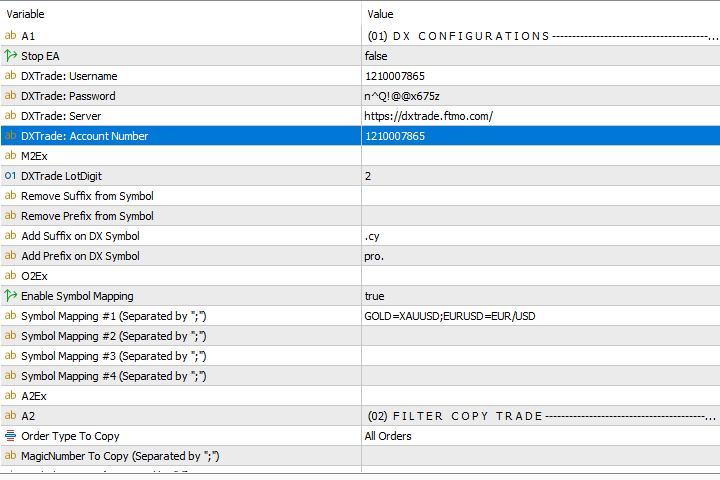
MT4/MT5 to DXTrade Copier – Mirror Trades Across Platforms Instantly
Run your MetaTrader strategies with freedom, even if your broker uses DXTrade. This MT4/MT5 to DXTrade Copier EA lets you copy trades from any MetaTrader 4 or MetaTrader 5 account directly into a DXTrade account — in real time.
Ideal for prop firm traders, signal services, or portfolio managers working across platforms.
🔄 Why Use the MT4/MT5 to DXTrade Copier?
❌ DXTrade doesn’t support MetaTrader EAs — but now you can still run your MT4/MT5 strategies and sync trades into DXTrade.
✅ Compatible with most DXTrade-based prop firm platforms.
🧩 Save time, avoid platform switching, and simplify multi-platform execution.
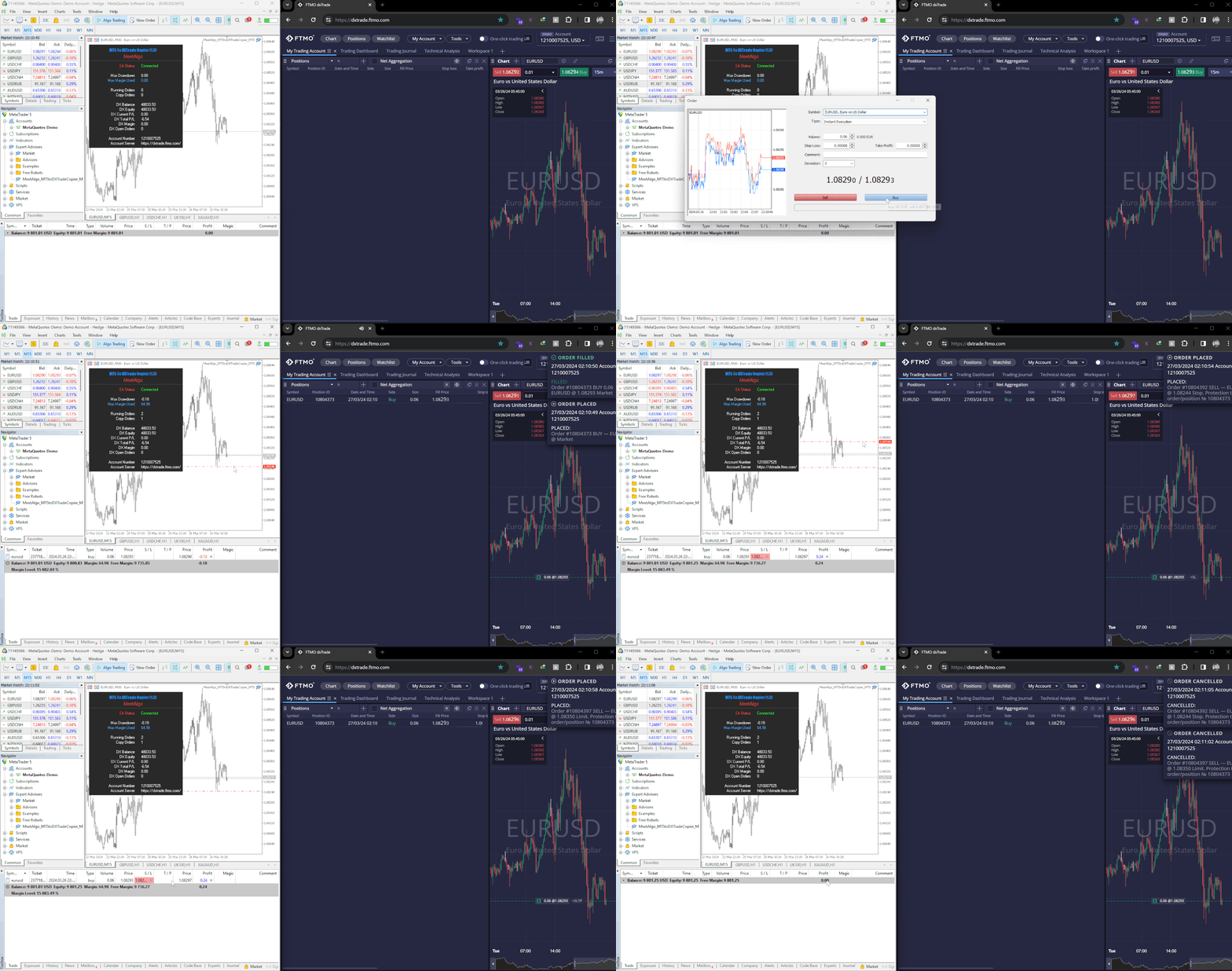
⚙️ Key Features of the MT4/MT5 to DXTrade Copier
🔌 Seamless Integration
-
Works using MetaTrader’s
WebRequestfeature and DXTrade’s API interface. -
Fully authorized credential handling with fast sync setup.
⏱️ Real-Time Trade Execution
-
Instant copying from MT4/MT5 to DXTrade
-
Custom symbol mapping and suffix/prefix handling
-
Works with any instrument supported on both platforms
📏 Lot Size & Risk Management
-
Supports:
-
Original lot sizes
-
Lot multipliers
-
Balance-based calculation
-
Fixed lot mode
-
-
Per-symbol configuration (e.g.
XAUUSD=1.5)
🎯 Smart Filters
-
Filter by symbol, magic number, or comment
-
Trade direction reversal (buy ➝ sell)
-
Partial close sync
-
Slippage control
-
TP/SL-based trade filters
🔁 Multi-Account Support
Copy trades from one MT4/MT5 account to multiple DXTrade accounts — great for managing funded accounts, personal and client portfolios, or signal replication services.
🛠️HOW IT WORKS:
Step 1: Connect your MT4/MT5 to DXTrade Copier accounts using our trade copier.
Step 2: Select the strategies or signals you want to replicate.
Step 3: Sit back and let the trade copier seamlessly execute trades across platforms in real-time.
🛠️BEFORE PURCHASING THE EA:
Before making a purchase, please test the demo version to ensure it fully works with your DX-Trader setup. Some PROP fund brokers may restrict copy trading, so verifying compatibility is essential.
Once purchased, refunds cannot be provided if the EA does not work with your broker.
The demo version functions exactly like the live version but is limited to 15 minutes per day when attached to a chart.
📖Read the User Guide
We recommend that you start by reading the user guide to help you understand the full potential of this tool and to help you start configuring the EA.

